
Open for booking
around the clock.
Customers book straight from your site, even while you are cutting hair, cooking or asleep. You decide which times can be booked. The system keeps track of staff, how long each service takes, rooms and party size, and says no when you are genuinely full.
Try the booking, for real.
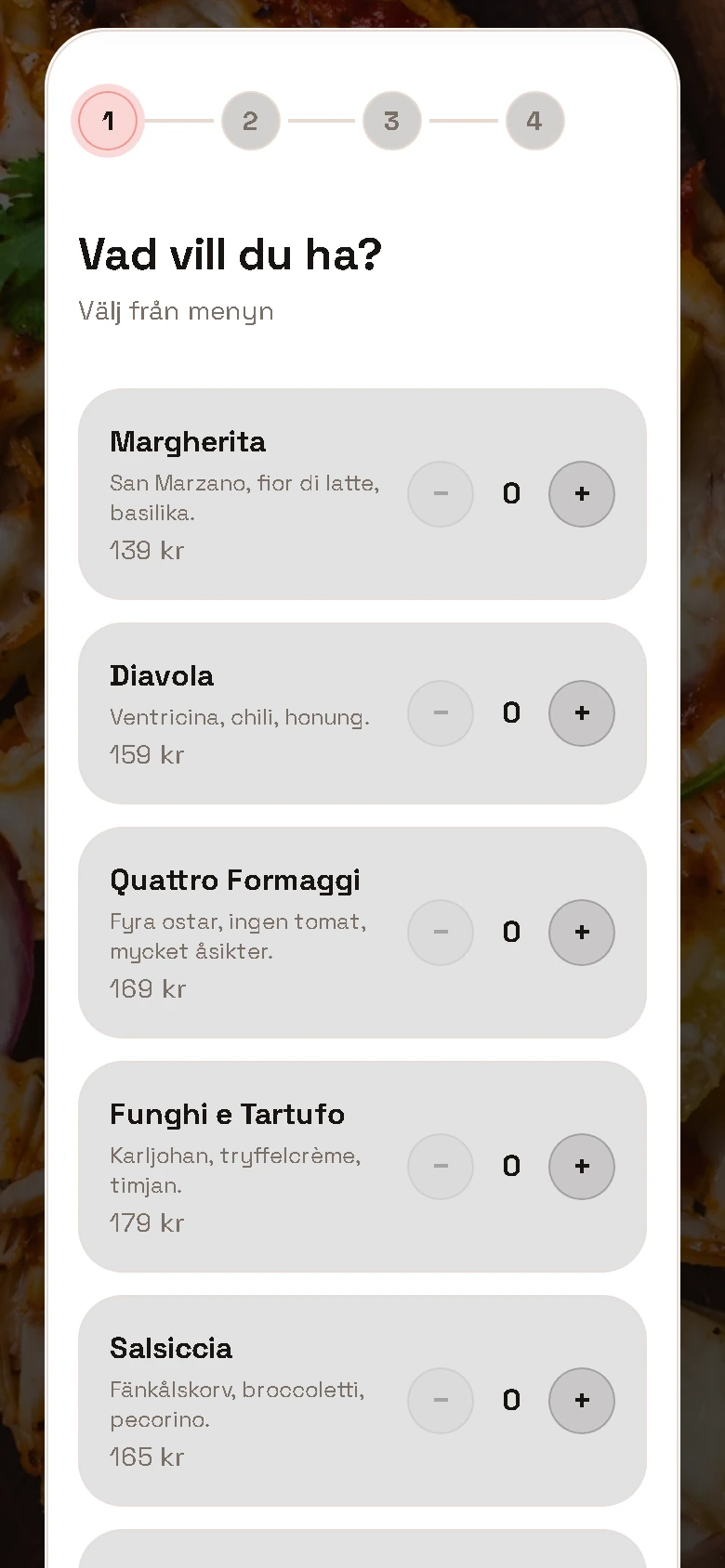
This is the same engine your customers run. Choose a type of booking and go through the whole flow, with no account and without leaving the page.
One booking per person and time slot. The length of the service decides how much of the day it takes, so a colour does not end up in the same slot as a buzz cut.
Choose staff member
Who would you like to book with?
Every booking in one place.
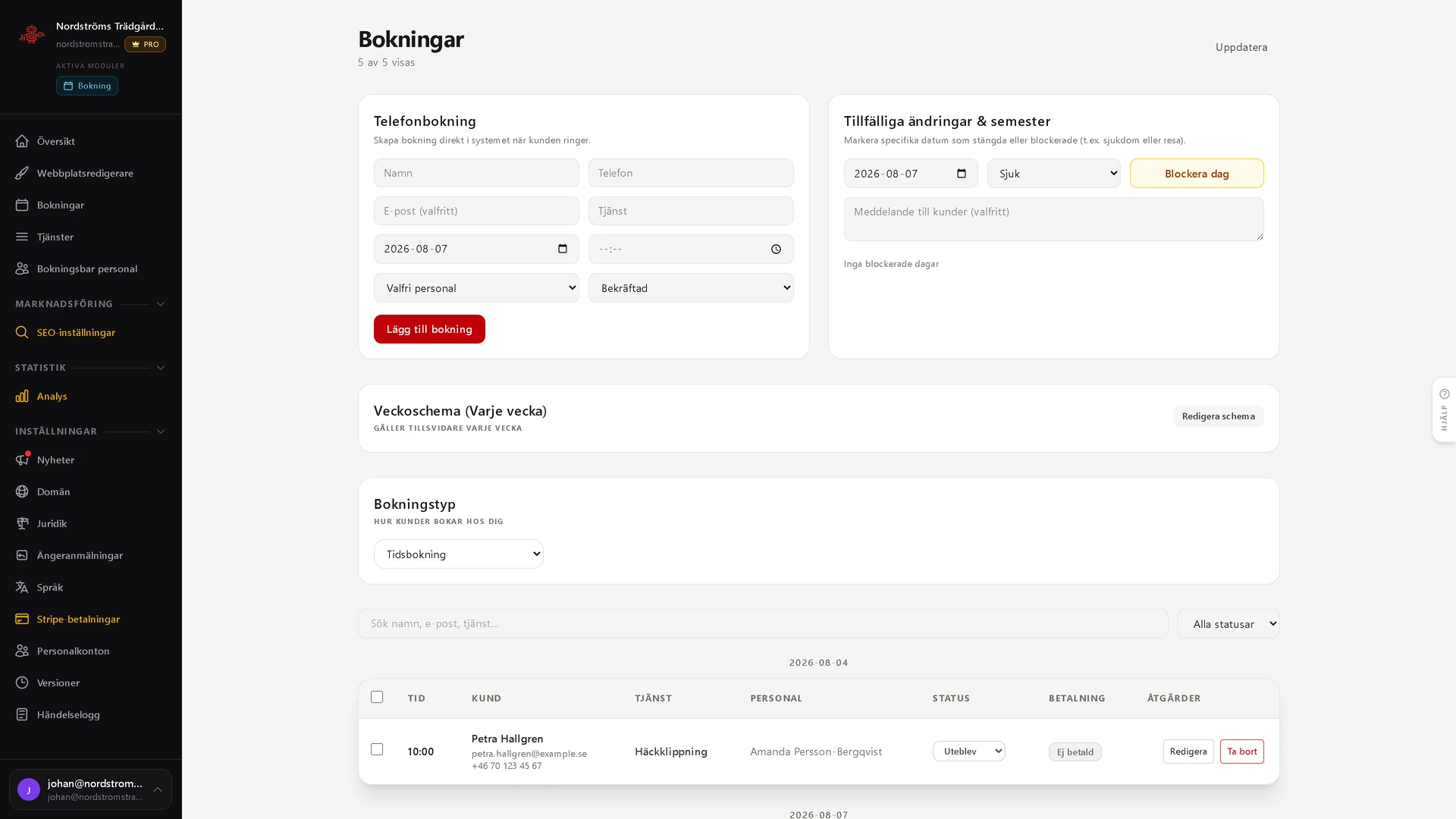
Bookings land in the panel immediately. You see the day, the week and who has what, and you can add a slot by hand when someone rings anyway. Staff schedules and service durations decide what can be booked.
- Day and week views of every booking
- Services with their own duration and price
- Manual bookings when someone rings
- Sick leave and absence close the slots straight away
The flow takes the shape of your site.
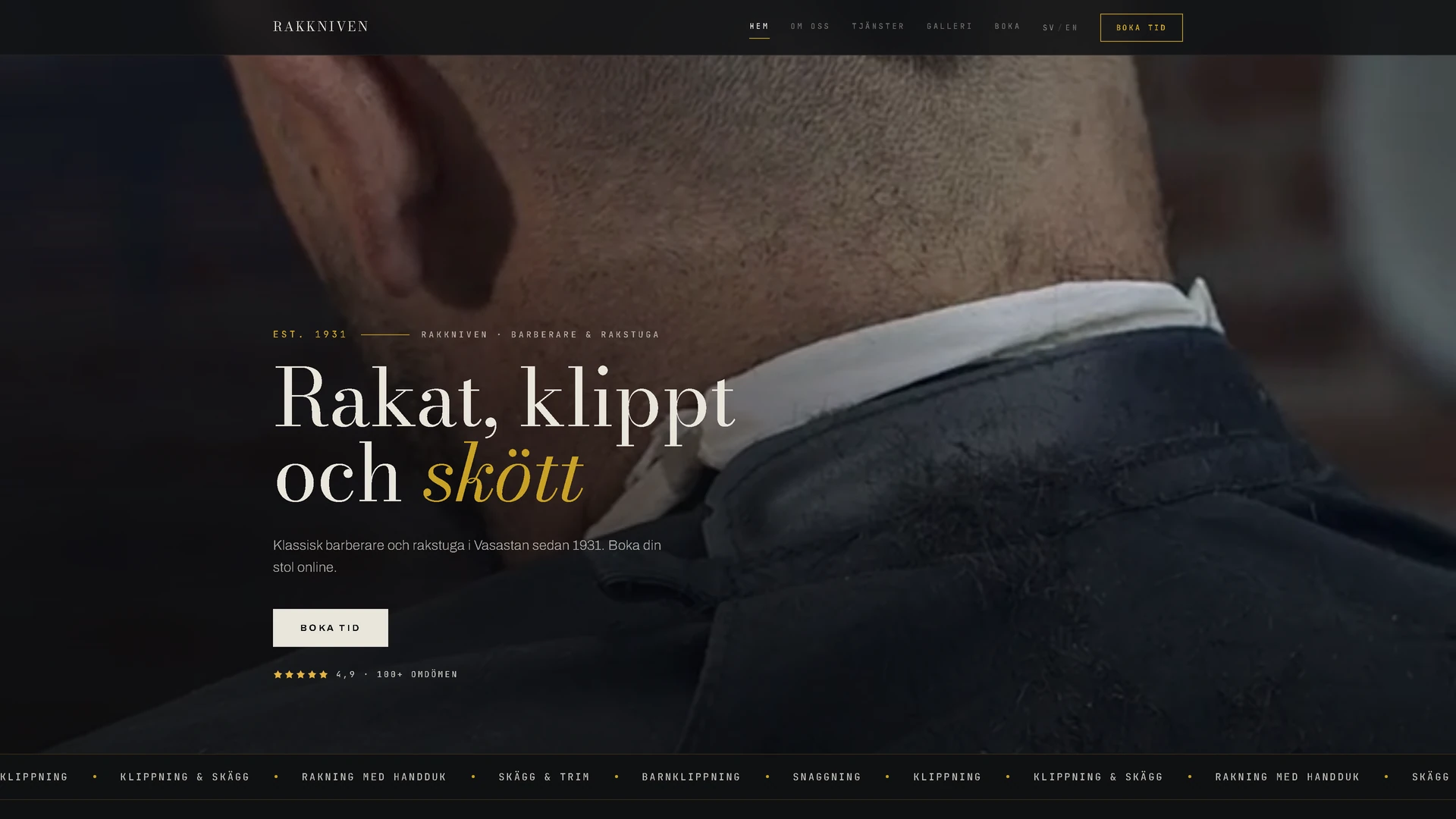
The booking is not a widget stuck on the side. It inherits the typography and the palette from the template, so it looks like the rest of the site.
The same six families in Pro form, with more sections and their own sub-pages. The customer can pay at the point of booking.
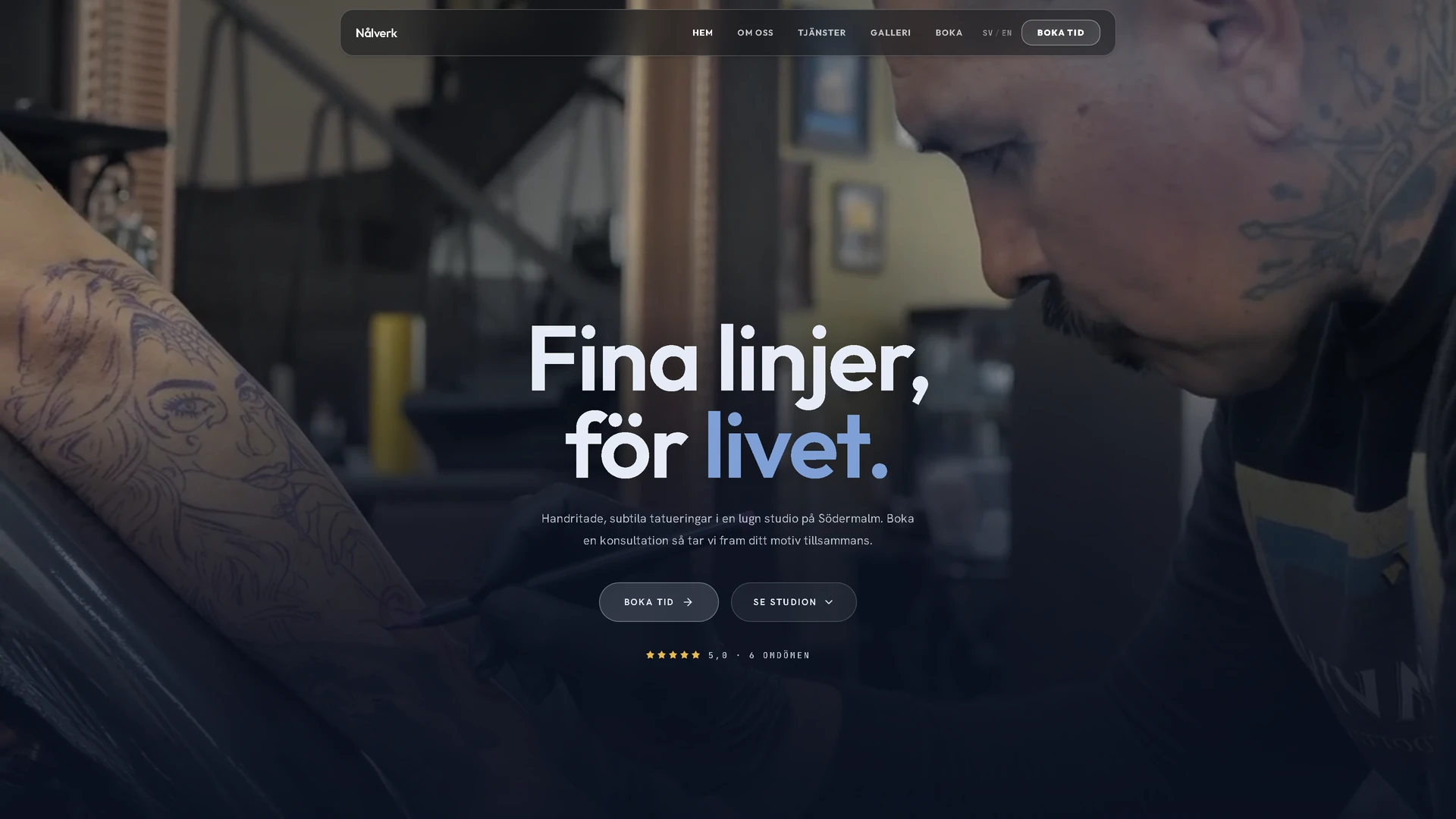
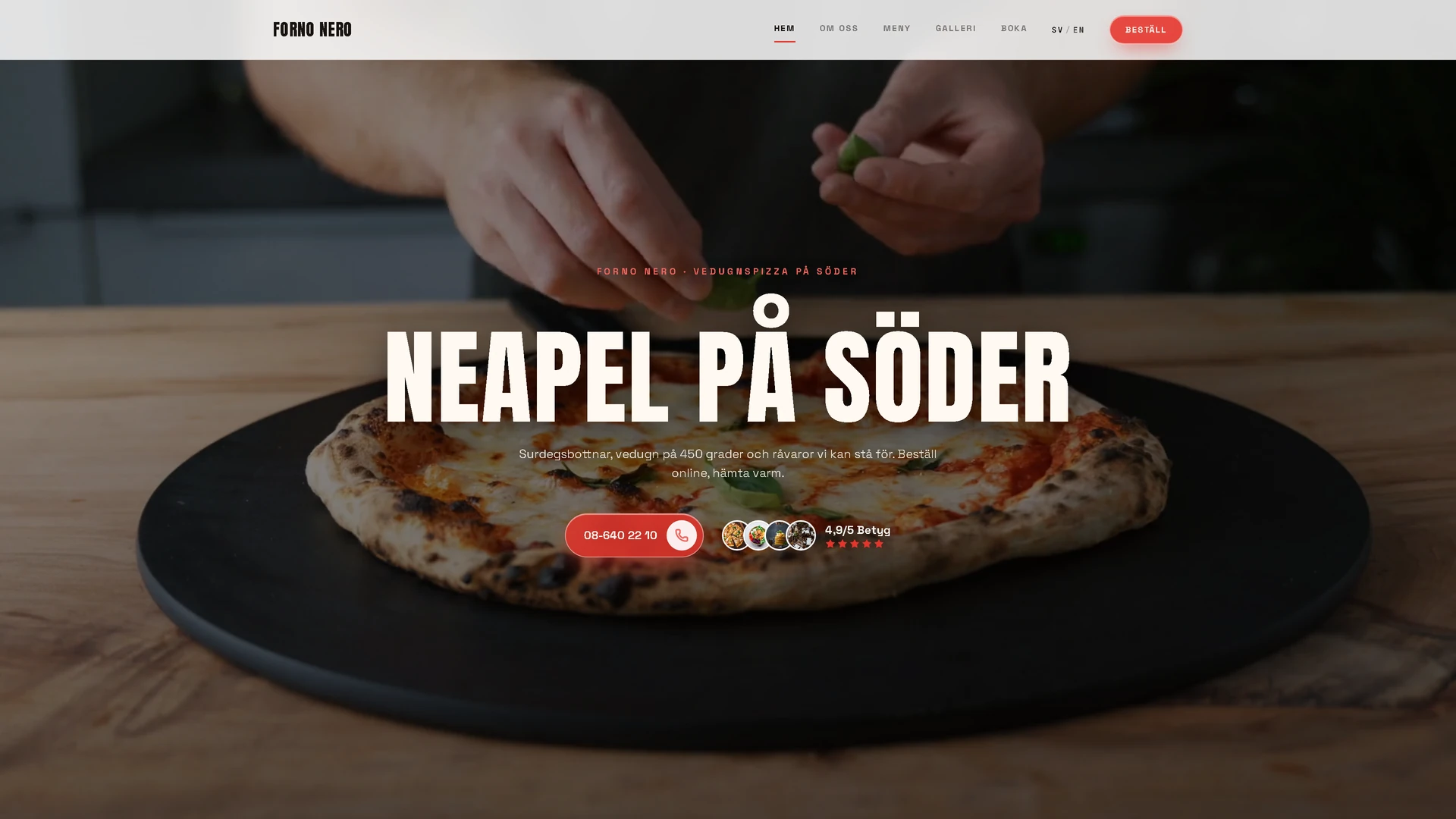
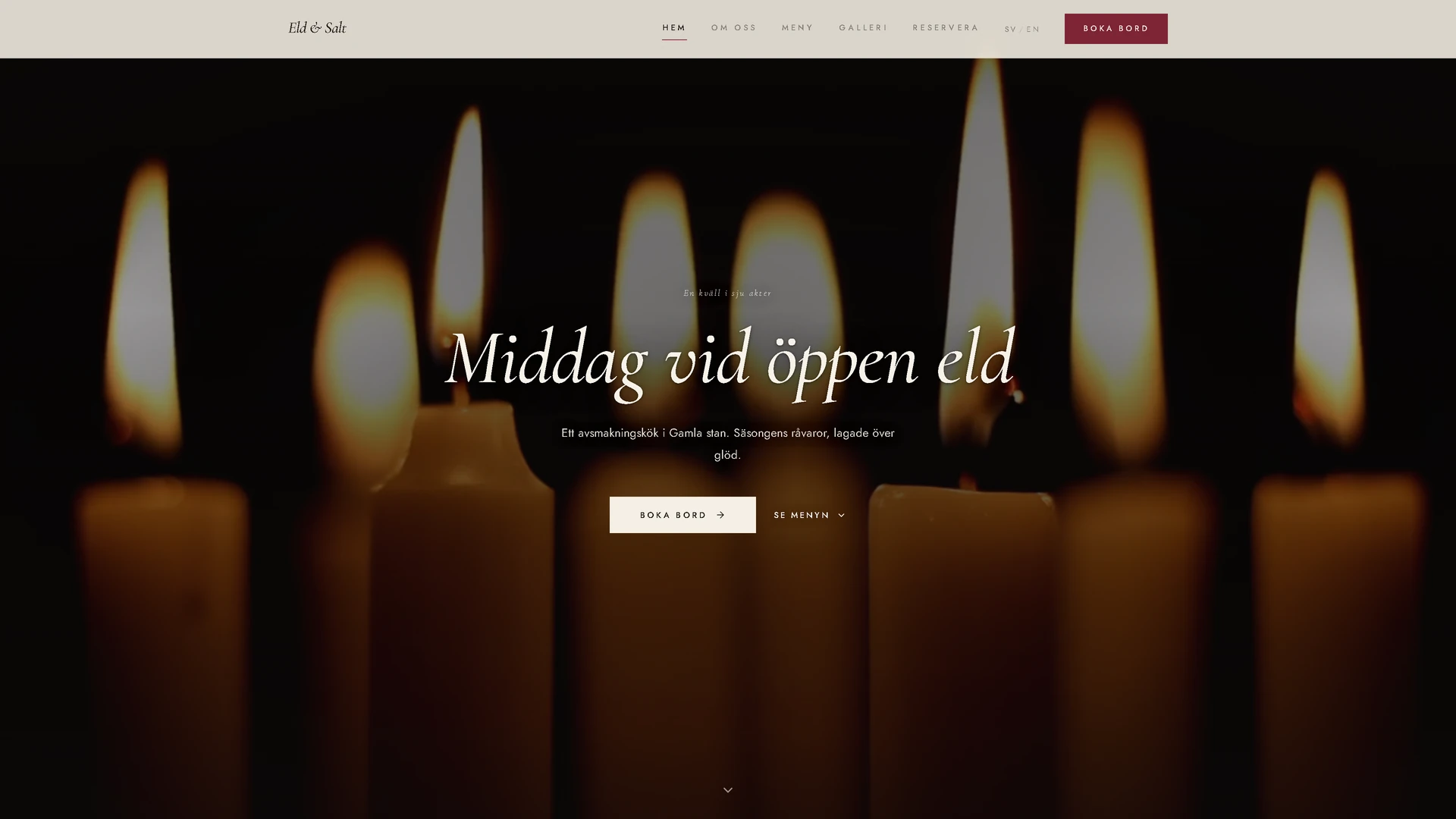
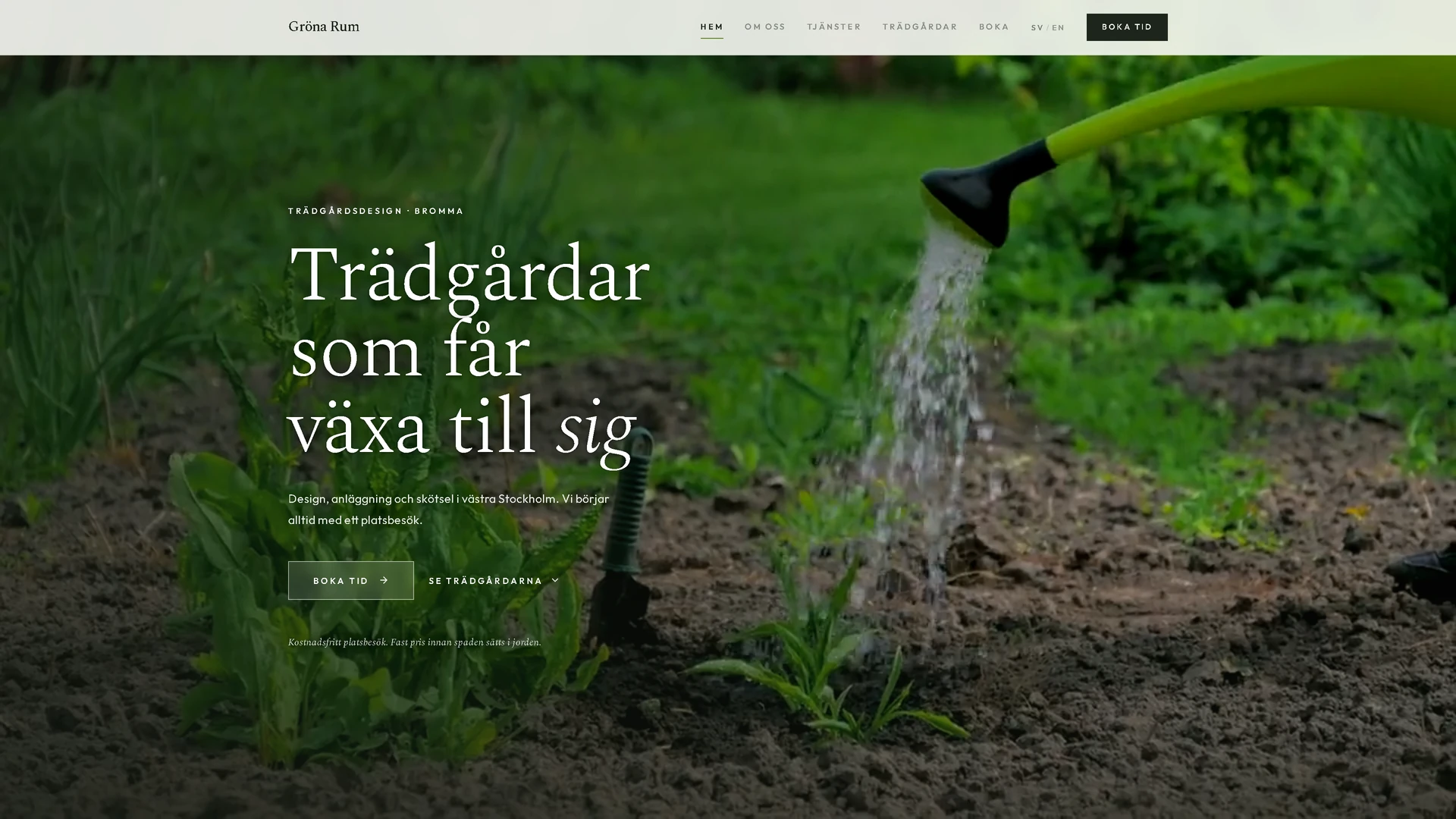
You do not need to know how to build anything.
You tell us about the business. We do the rest, and you choose between finished pages instead of describing one you have not seen.
- 1.
You fill in a form
A form about the business, not about web design. What you do, for whom, what sets you apart from others and how you sound when you talk to a customer. It takes about fifteen minutes.
- 2.
The copy is written in your tone
Your answers go straight into the site. Headings, the about text, service descriptions and SEO are written from what you told us, in your own way of putting things, not a template with your name pasted in.
- 3.
You choose between 6 finished designs
In a couple of minutes 6 different booking sites are ready, all with your copy and your pictures. You click through them and choose the one that feels like your company.
- 4.
We publish
Domain, SSL and backups are set up and the site goes live. After that you change things yourself in the panel whenever something needs changing.
Take payment at the point of booking
Stripe-integrated online payments let you require a deposit or full payment when the customer books. Less admin for you, and fewer no-shows.
- Stripe Connect: you keep your money
- Choose a deposit or full payment per service
- Refunds are handled straight from the admin panel
How many customers do you lose every week?
People who ring while you are busy rarely ring back. The site takes them around the clock.
- No lock-in
- Support included
- GDPR-compliant
- Hosted in the EU