
Your shop.
Not someone else's marketplace.
Sell physical or digital products from your own site, on your own domain, with no commission to a marketplace. Basket, checkout, shipping and discount codes are included, and the money goes straight into your account.
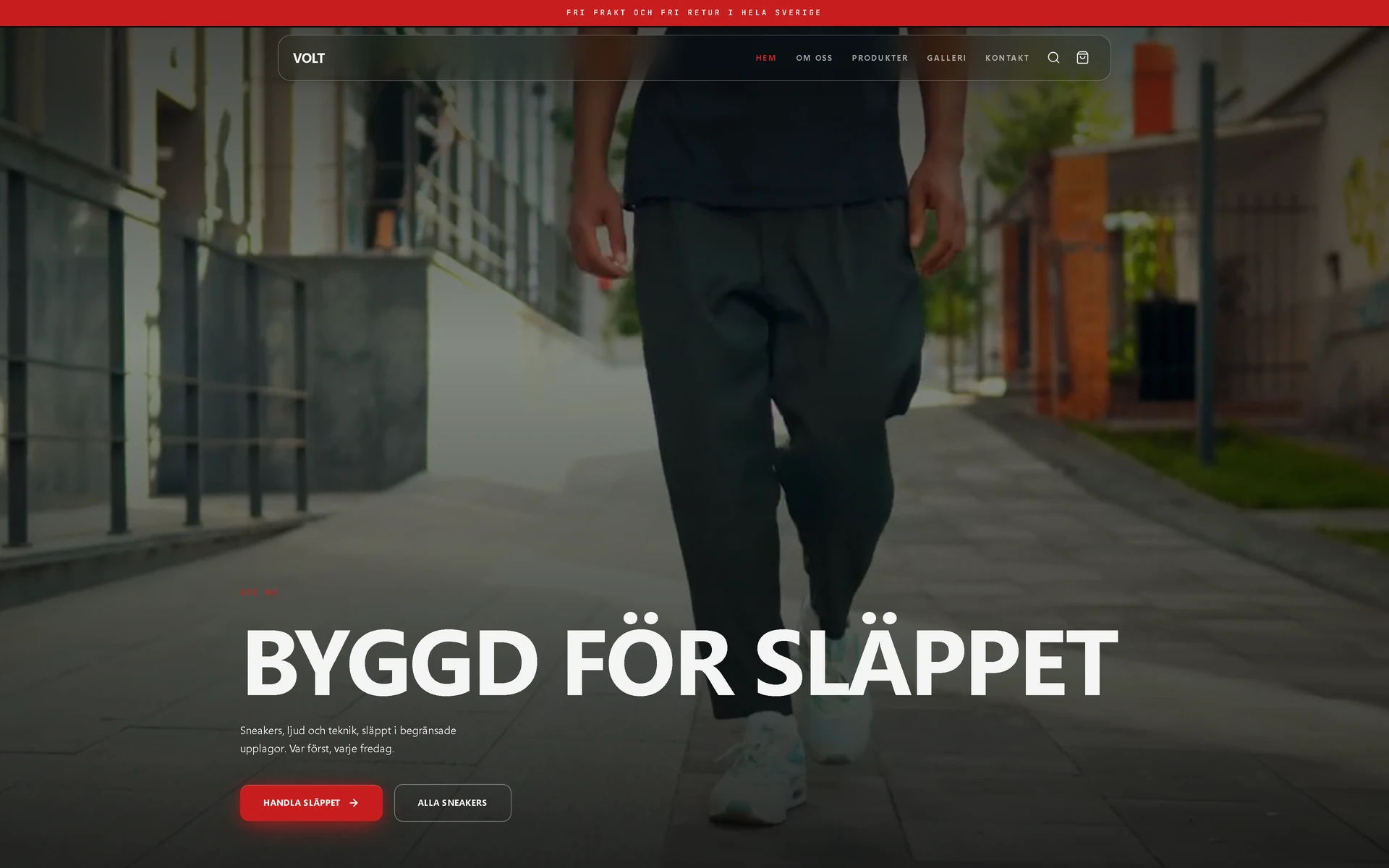
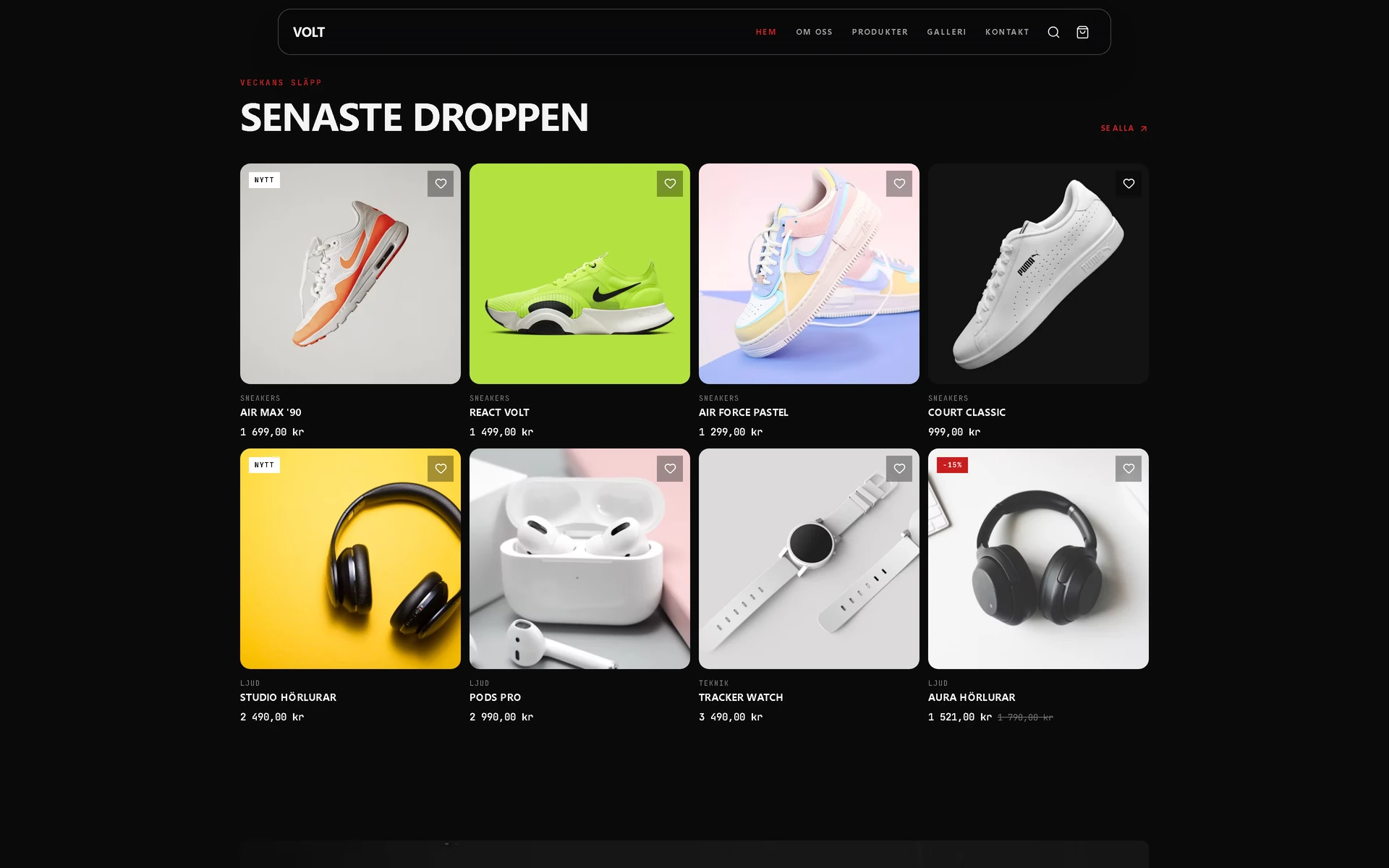
All the way to the purchase.
These are the three screens a customer meets after choosing something. They are part of the shop, on your own domain, and you do not have to connect anything external to get them.
- 01The basket
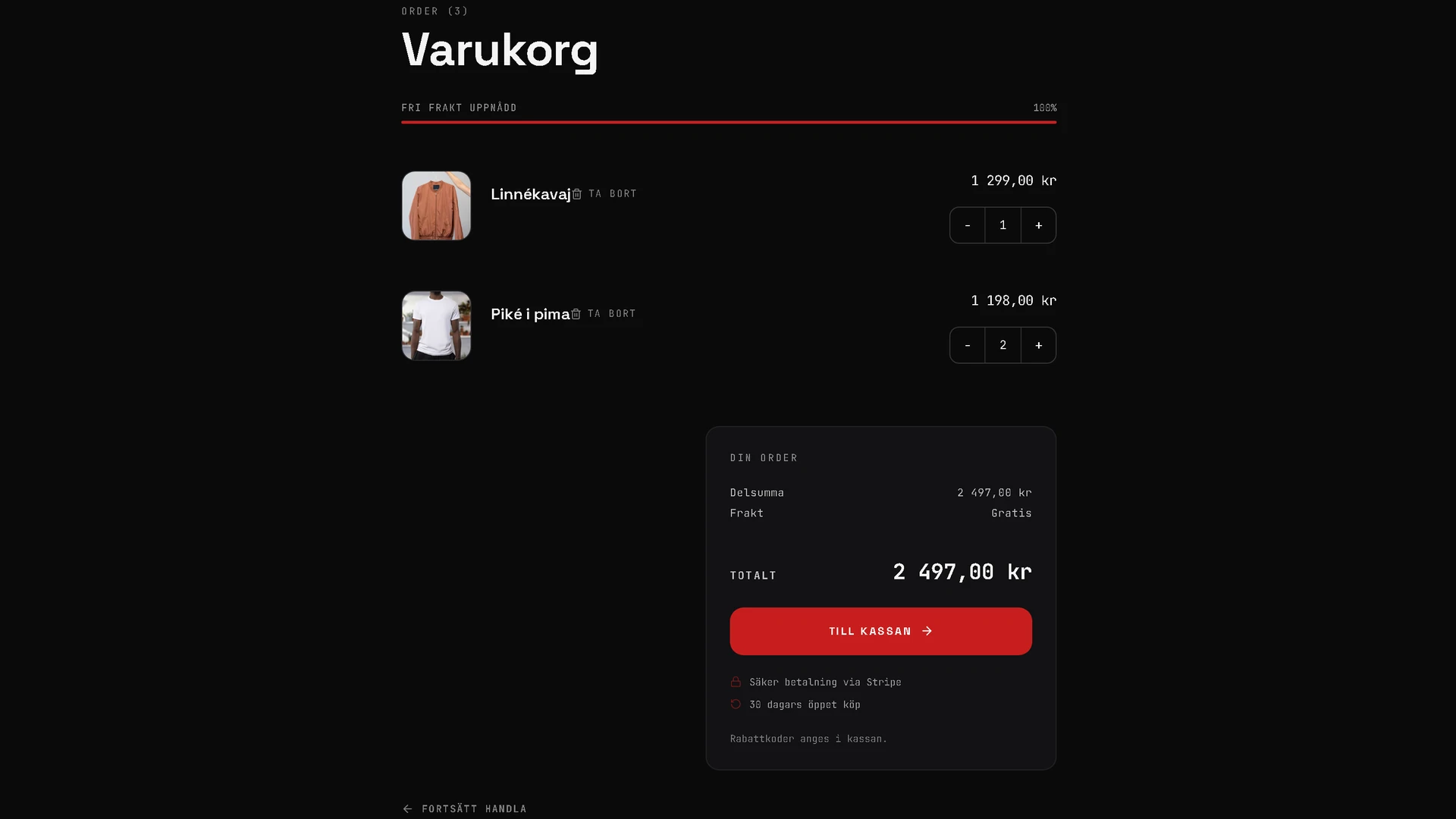
The customer adds items, changes quantities and sees the total before going on.
- 02The checkout
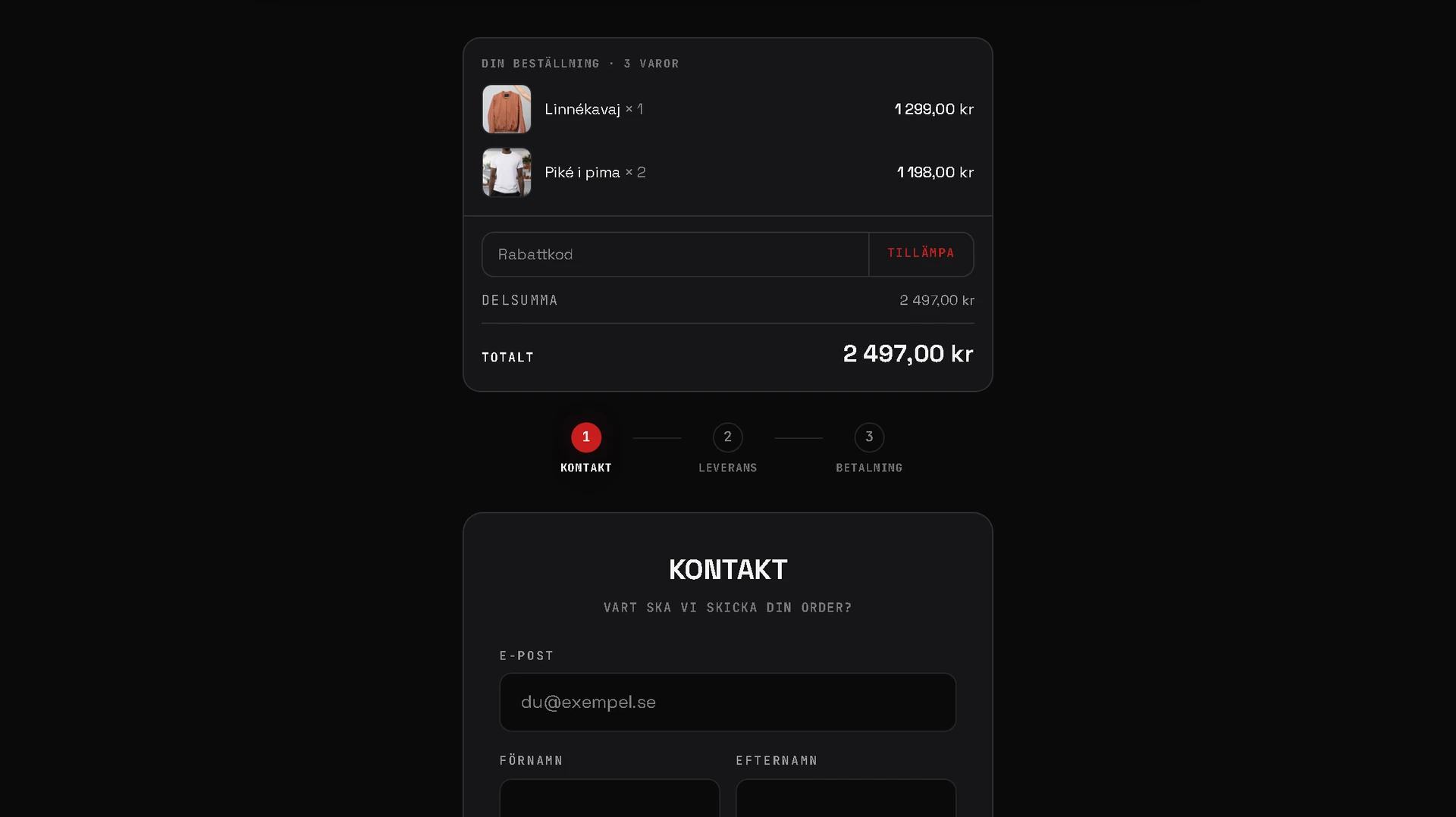
Details, shipping and card payment through Stripe. Discount codes if you want them.
- 03The receipt
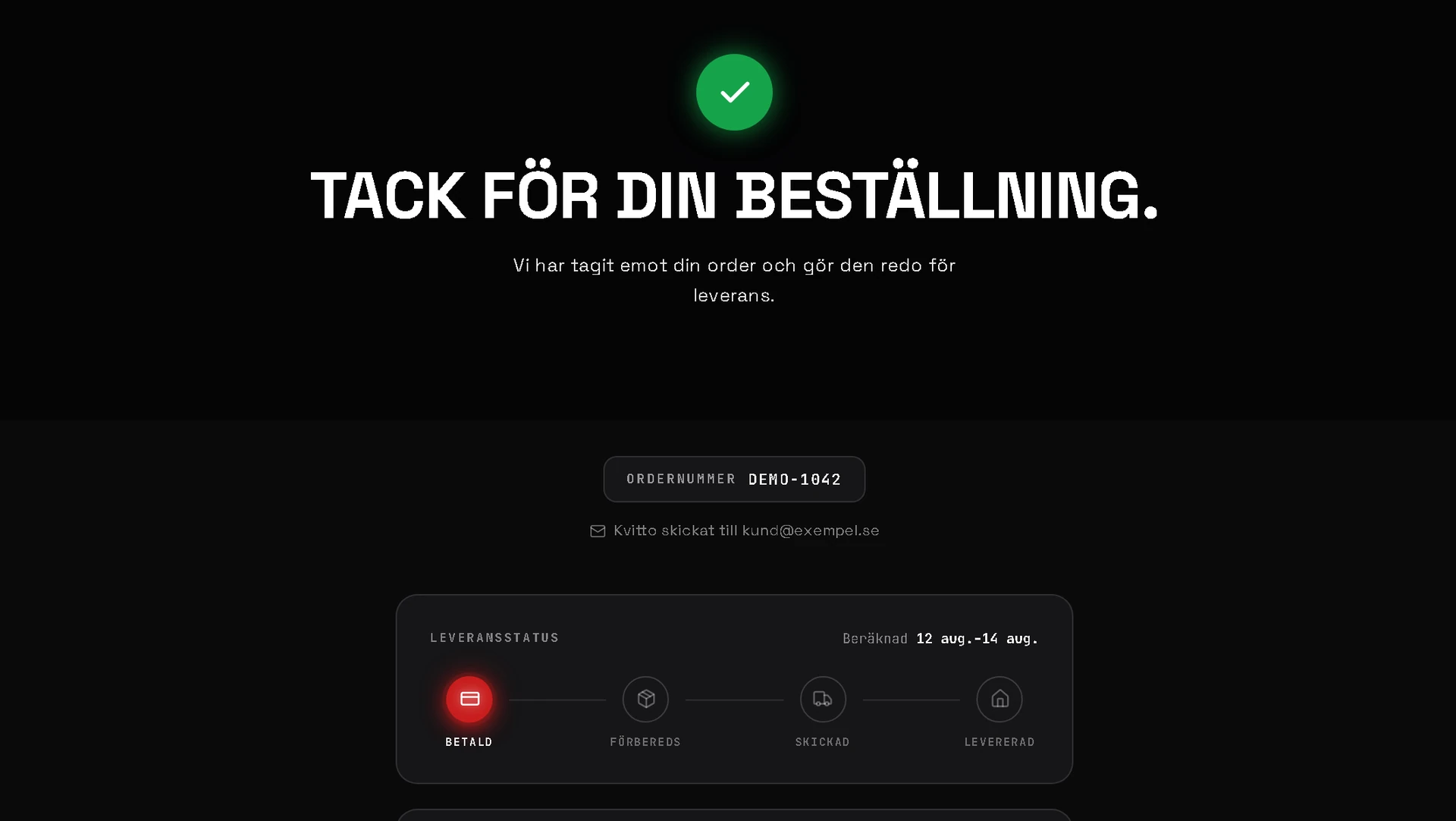
Confirmation with an order number on screen and by email. The order lands in your panel.
A shop that looks like your brand.
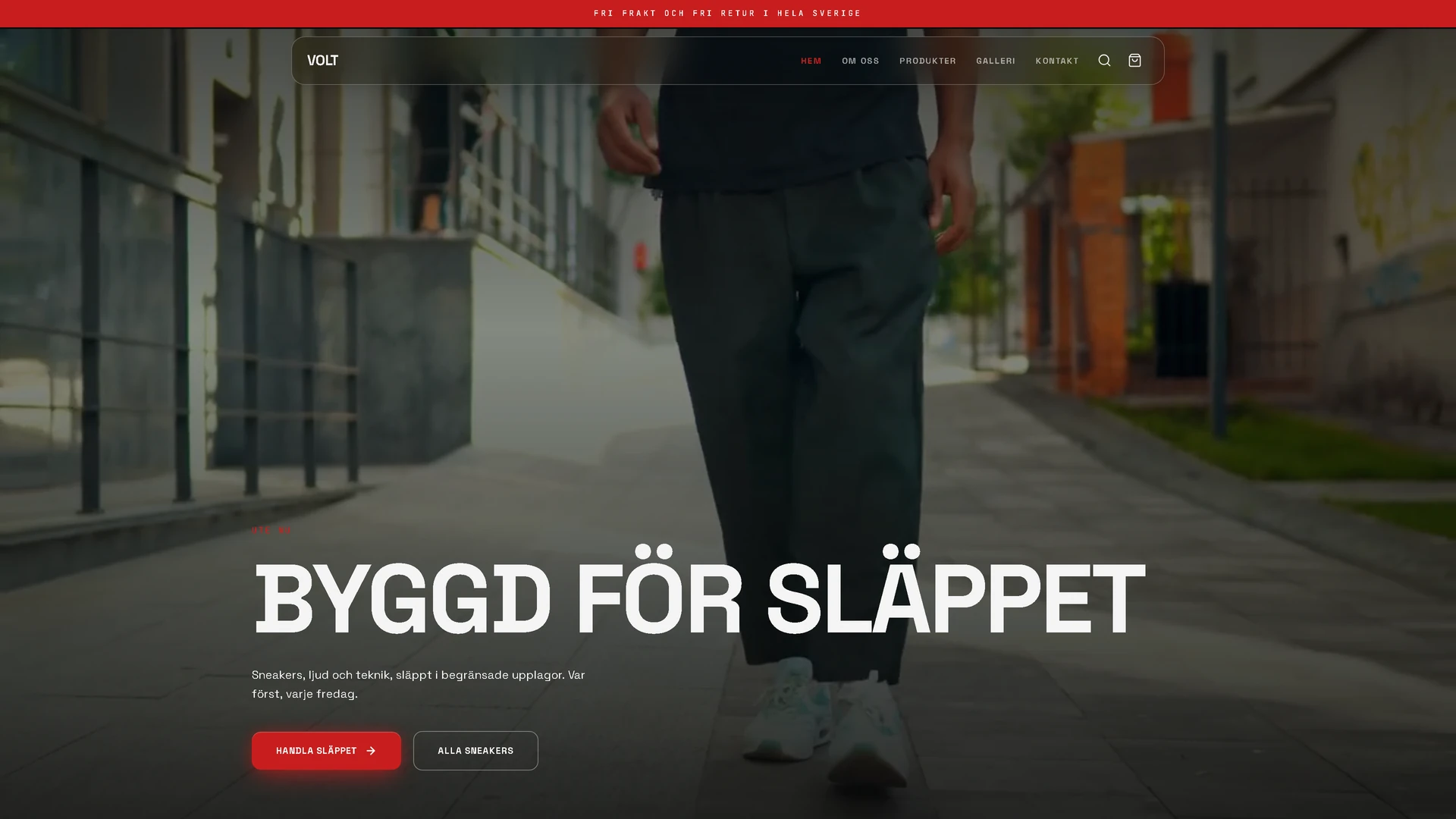
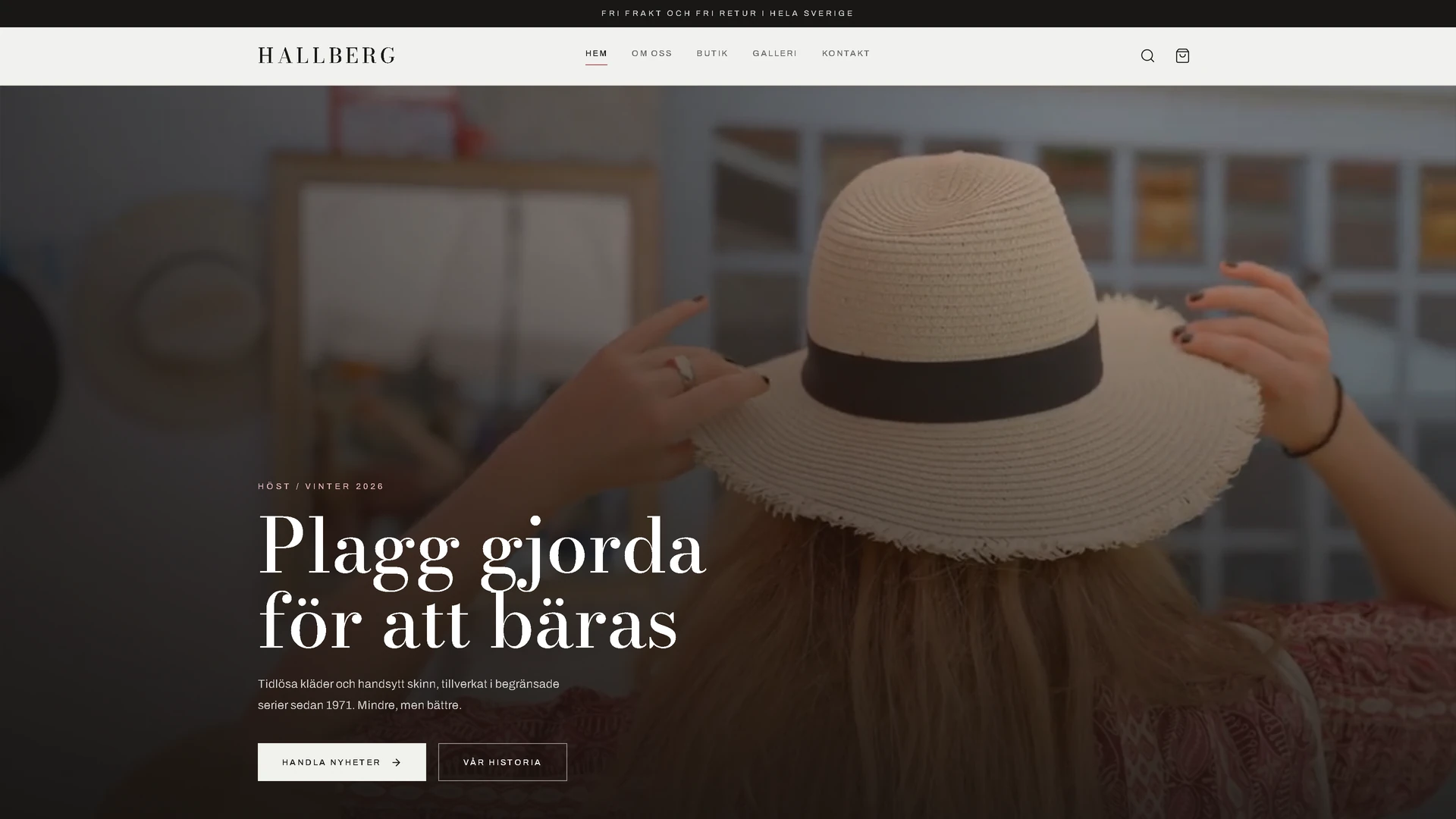
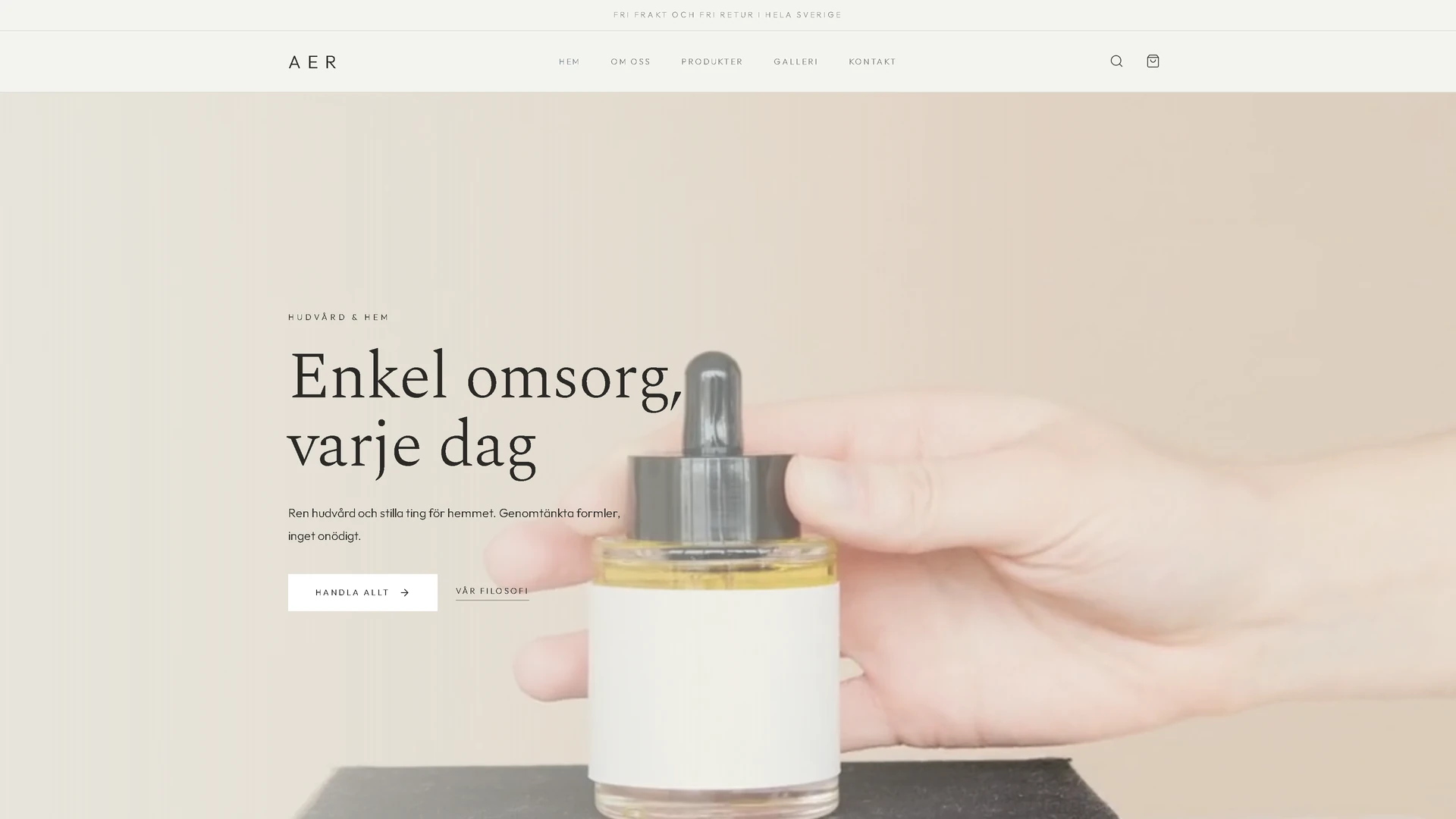
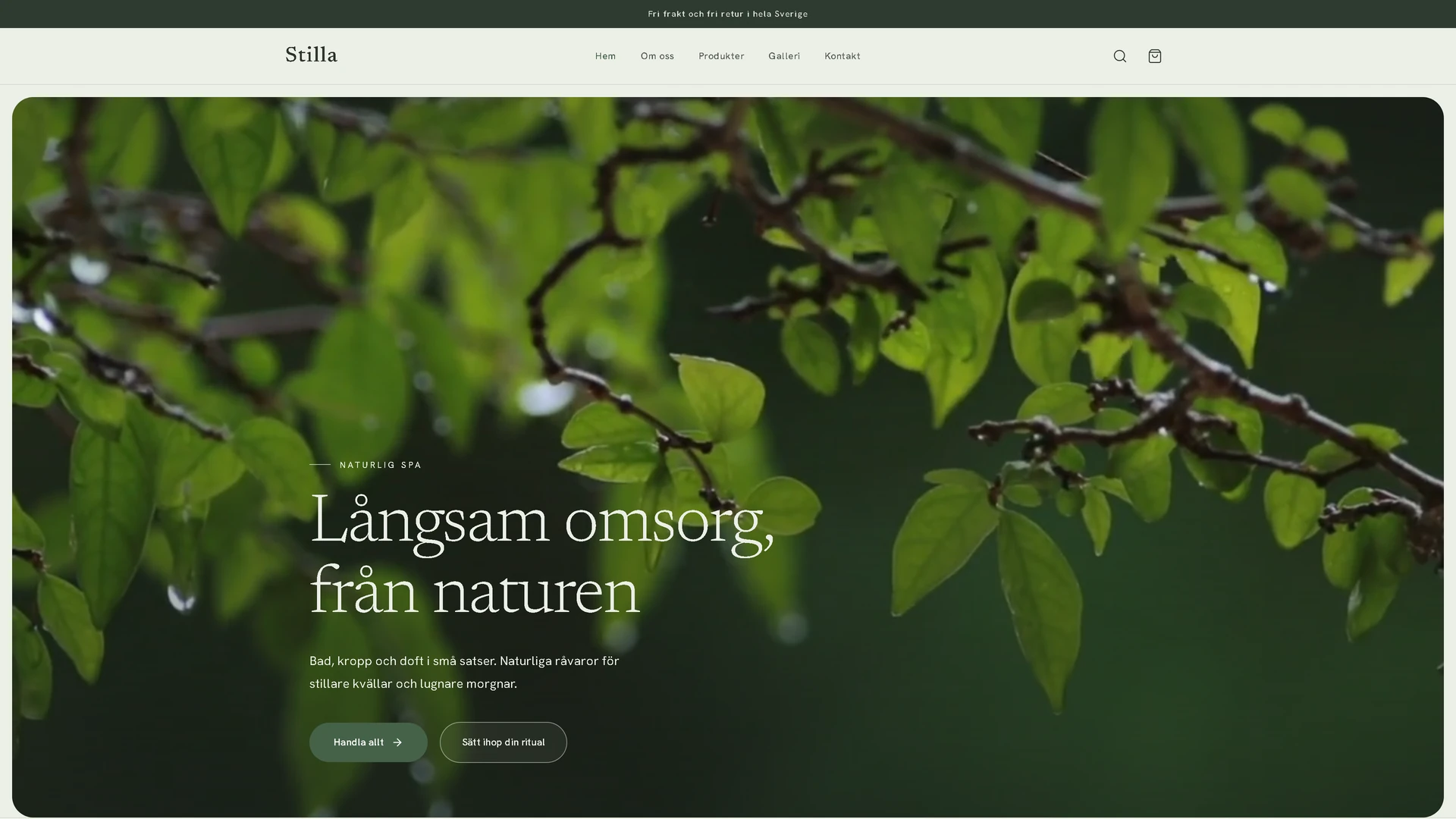
The same range looks completely different depending on the family. You choose the one that suits what you sell.
The same five families in Pro form, with a fifth shop page for a gallery or press, and a clickable product display for the drop of the week.

You do not need to know how to build anything.
You tell us about the business. We do the rest, and you choose between finished pages instead of describing one you have not seen.
- 1.
You fill in a form
A form about the business, not about web design. What you do, for whom, what sets you apart from others and how you sound when you talk to a customer. It takes about fifteen minutes.
- 2.
The copy is written in your tone
Your answers go straight into the site. Headings, the about text, service descriptions and SEO are written from what you told us, in your own way of putting things, not a template with your name pasted in.
- 3.
You choose between 5 finished designs
In a couple of minutes 5 different shops are ready, all with your copy and your pictures. You click through them and choose the one that feels like your company.
- 4.
We publish
Domain, SSL and backups are set up and the site goes live. After that you change things yourself in the panel whenever something needs changing.
The shop is run from one place.
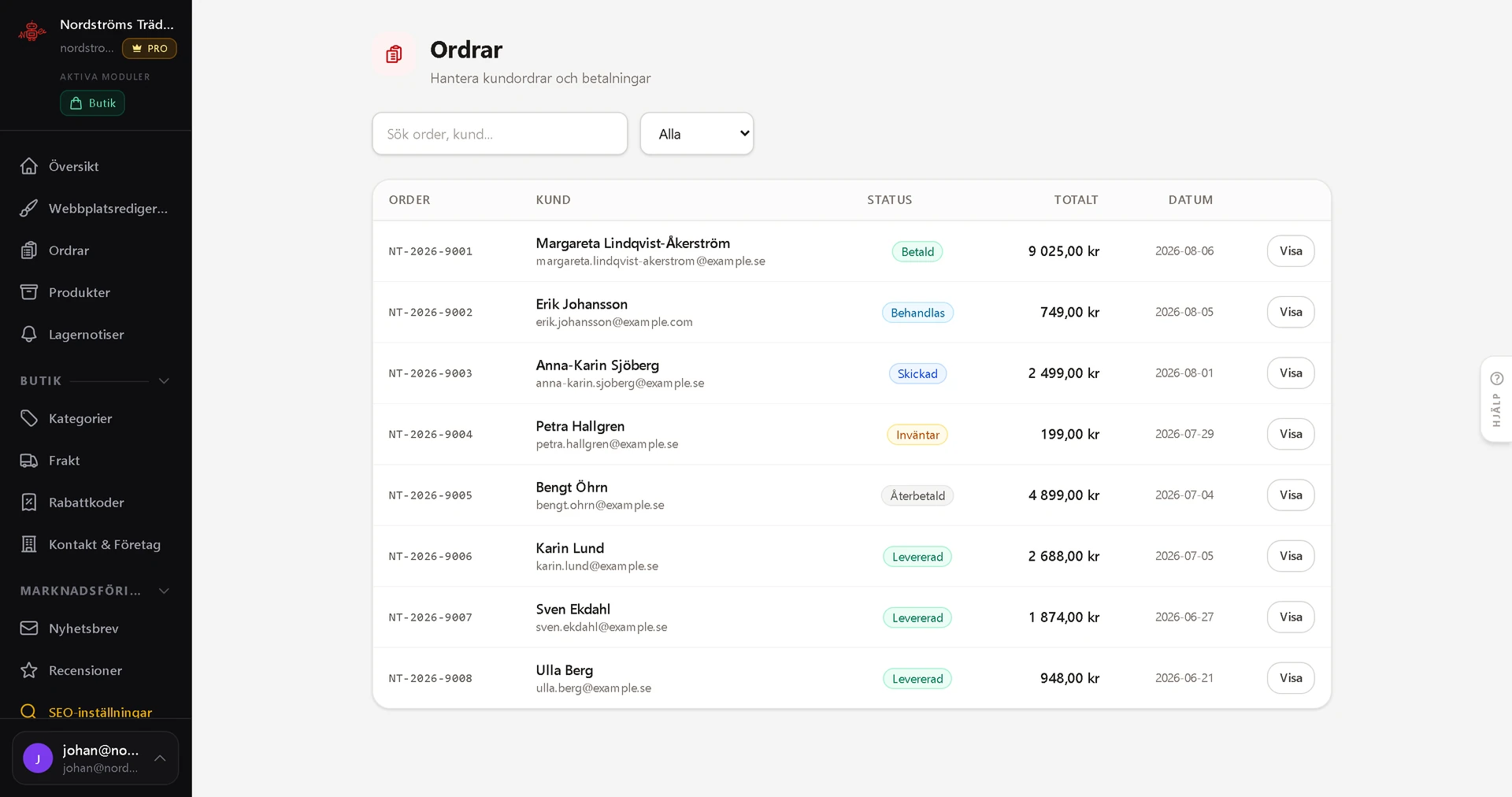
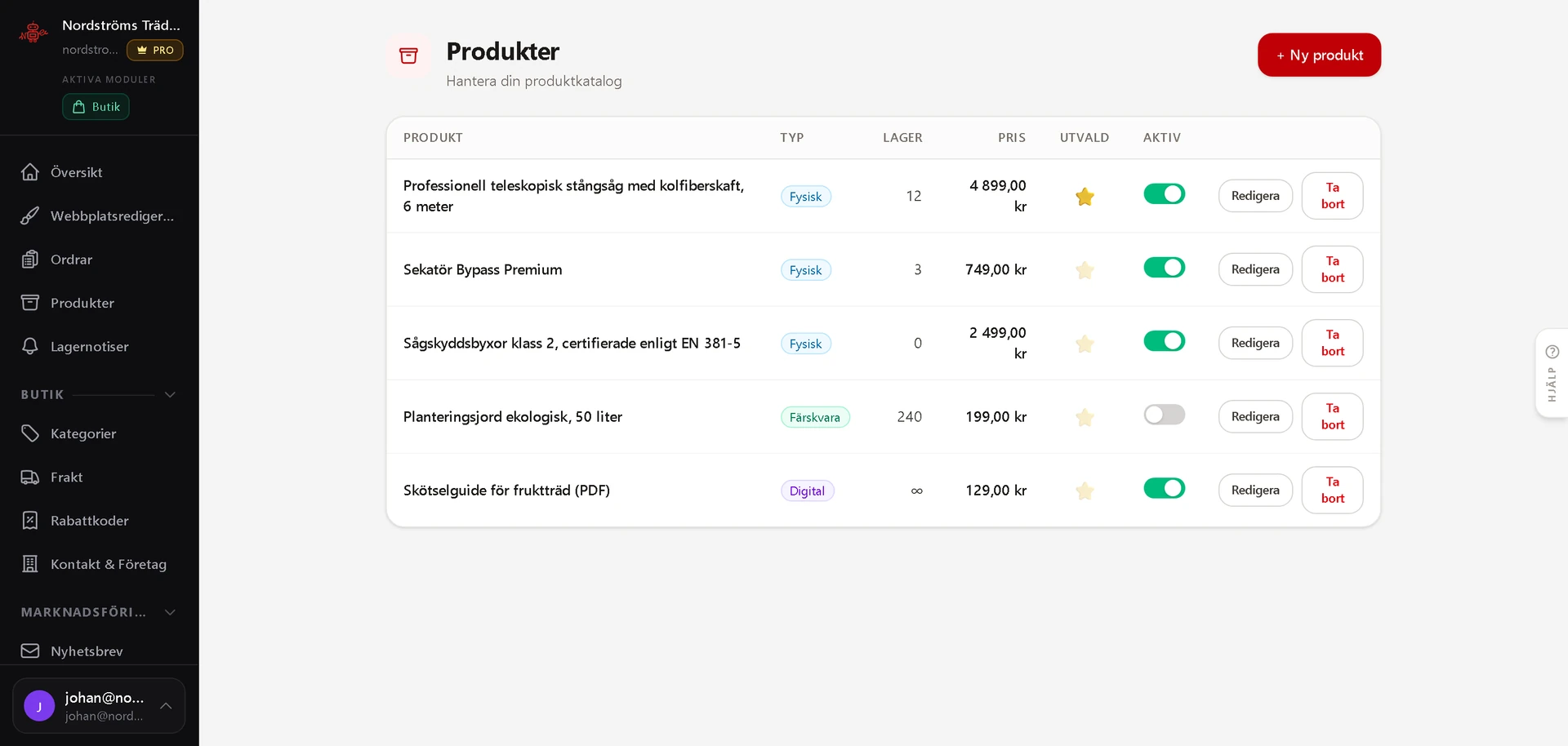
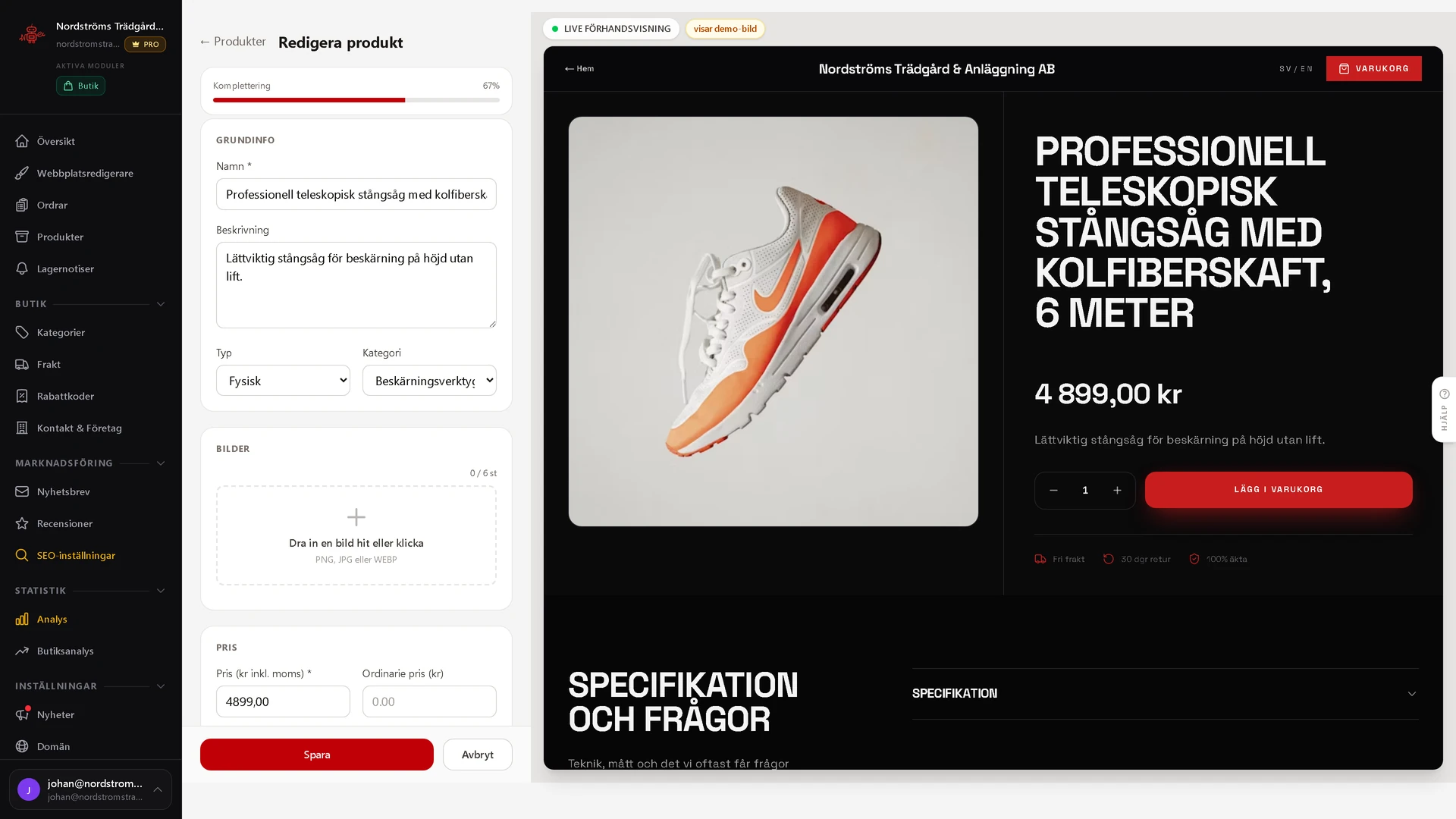
The same panel as the rest of the platform. The shop is not a second system you also have to learn.
Start selling at your own address.
The shop, the checkout and the admin panel are one system. You decide how it looks and what you sell. We handle operations, updates and support.
- No lock-in
- Support included
- GDPR-compliant
- Hosted in the EU